Before you start: okpk processes withdrawals within 10 minutes of approval. First-time withdrawals require a one-time KYC check that takes up to 24 hours. Once verified, every future withdrawal goes straight through. The minimum single withdrawal is ৳1,300 and the daily cap is ৳150,000.
Withdrawal Limits & Processing Times
Every okpk withdraw request lands in the payment queue almost immediately. The table below gives you the exact numbers so there are no surprises.
| Parameter | Amount / Time | Notes |
|---|---|---|
| Minimum withdrawal | ৳1,300 | Per single request |
| Daily withdrawal cap | ৳150,000 | Resets at midnight (UTC+06) |
| Processing time | 10 minutes | After approval by okpk team |
| First-time withdrawal | Up to 1 hour | Extra security review for new accounts |
| KYC review time | Up to 24 hours | Must complete before first withdrawal |
Wagering requirement: Any winnings from a bonus carry a 19× wagering requirement before they can be withdrawn. Check your bonus balance in the account dashboard — a "Withdrawable" label means the funds are free to request.
Higher Daily Limits for VIP Members
Your daily withdrawal cap increases as you move up the okpk VIP programme. Here is a quick reference:
| VIP Tier | Monthly Turnover | Daily Limit |
|---|---|---|
| Member | No minimum | ৳150,000 |
| Star | ৳35,000 | ৳250,000 |
| Elite | ৳140,000 | ৳430,000 |
| Master | ৳560,000 | ৳730,000 |
| Legend | ৳2,200,000 | ৳1,200,000 |
Why KYC Is Required Before Your First Withdrawal
KYC (Know Your Customer) is a one-time identity check. okpk asks for it to confirm that the person withdrawing is the same person who opened the account. This protects both you and the platform from fraud.
You only go through it once — before your very first withdrawal. After that, your account is marked verified and future withdrawals are processed without any extra steps.
Submit early. The KYC review takes up to 24 hours. If you request a withdrawal and have not yet verified, your funds will stay pending until the check clears. Send your documents as soon as you create an account rather than waiting until you want to cash out.
Documents You Need for KYC
okpk accepts any one of the following government-issued documents. You need the front and back of whichever you choose.
Photo Quality Requirements
| Requirement | What to Check |
|---|---|
| Brightness | Take in natural light, no harsh flash causing reflections |
| Sharpness | All text and your photo must be legible — no blur |
| Coverage | Capture all four corners of the document in one shot |
| File format | JPG or PNG, under 5 MB per file |
| Validity | Document must not be expired on the day you upload |
| Alterations | No editing, cropping of details, or added text — submit as-is |
How to Submit Your KYC Documents
-
Log in to your okpk account
Open the okpk app or visit okpk.blog in your mobile browser. Use your registered number and password to sign in.
-
Open Account Settings → Verification
Tap the profile icon in the top-right corner. Select "My Account" then find the "Identity Verification" section.
-
Choose your document type
Pick from NID, Passport, or Driving Licence. Select the same document you used when registering — the name must match exactly.
-
Upload front and back photos
Use the upload buttons to attach clear JPG or PNG photos. If the preview looks blurry, retake the photo — a rejected submission adds another 24-hour wait.
-
Wait for the review (up to 24 hours)
okpk's team checks the documents and updates your status by notification. Most reviews complete well within 24 hours during normal hours.
How to Request an okpk Withdrawal
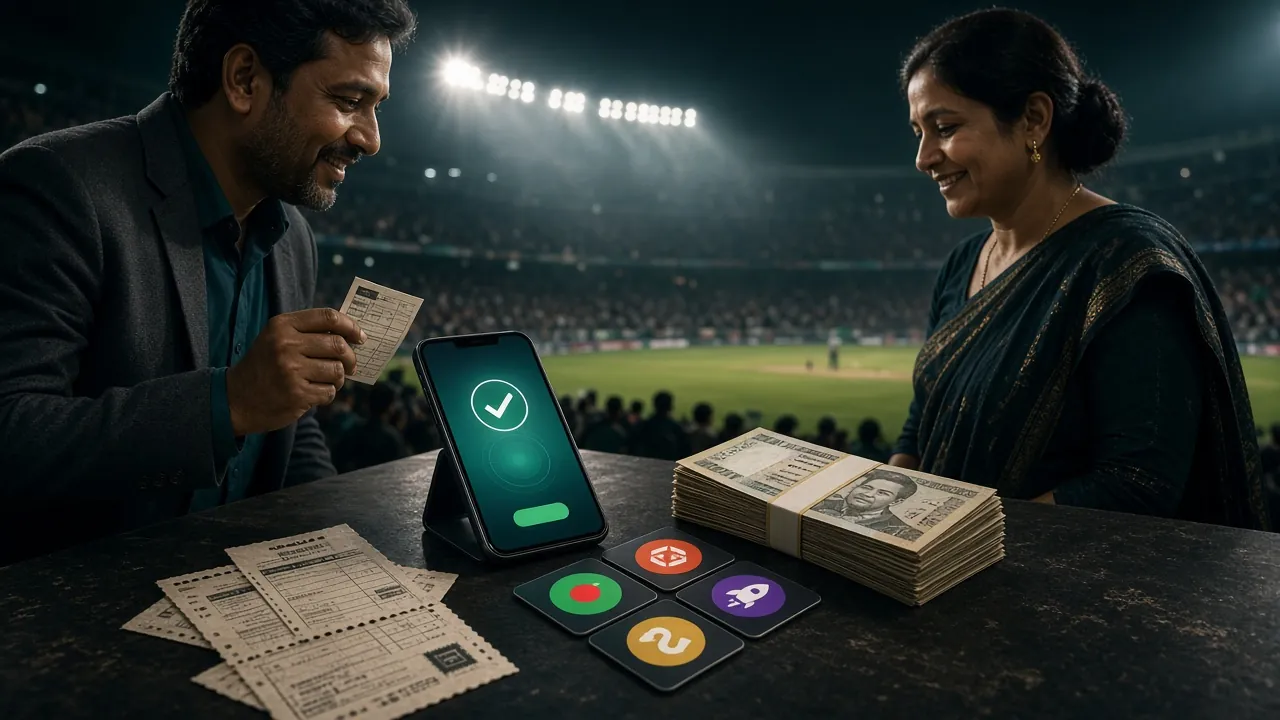
Once your account is KYC-verified, the withdrawal process is straightforward. This takes about two minutes from start to finish.
-
Log in and go to Wallet
From the okpk homepage or app, tap "Wallet" in the bottom menu. Your available, bonus, and total balance are shown separately.
-
Tap "Withdraw" and choose your method
Select bKash, Nagad, Rocket, or Bank Transfer. The receiving account number must be the same number you used for your most recent deposit.
-
Enter the amount
Type in how much you want to withdraw. The minimum is ৳1,300. If you are withdrawing bonus winnings, only the "Withdrawable" portion of your balance is eligible.
-
Confirm with your security PIN
Enter your 6-digit withdrawal PIN. If you have not set one yet, go to Account Settings → Security to create it before requesting a withdrawal.
-
Wait for the funds
okpk processes approved requests within 10 minutes. You'll get an in-app notification when the transfer is sent. First-time withdrawals may take up to 1 hour due to an extra security check.
Supported Payment Methods
All withdrawals go to the same mobile wallet or bank account that you used to deposit. okpk does not support third-party or shared accounts.
- bKash Deposit: 1 min · Withdrawal: 10 min Most popular in Bangladesh
- Nagad Deposit: 1 min · Withdrawal: 10 min Post Office digital wallet
- Rocket Deposit: 1 min · Withdrawal: 10 min Dutch-Bangla Bank mobile banking
- Bank Transfer Deposit: 1 min · Withdrawal: 10 min All major BD bank accounts
Name matching: The name on your okpk account must exactly match the name on your mobile wallet or bank account. A mismatch is the most common reason withdrawals are held.
Declined Withdrawals — Causes & Fixes
Most declined requests have a quick fix. Here are the common reasons and what to do about each one.
-
Wagering not complete
Your bonus winnings still have an unmet 19× wagering requirement. Check your bonus progress in the dashboard and continue playing until the counter reaches zero. -
Amount below ৳1,300
Enter at least ৳1,300 per request. If your withdrawable balance is lower, you'll need to build it up further before cashing out. -
Daily limit reached (৳150,000)
The cap resets at midnight Bangladesh time. Submit the remaining amount the next day, or move to a higher VIP tier for a larger daily allowance. -
KYC not verified
Submit your documents via Account Settings → Identity Verification. Wait up to 24 hours. Your pending withdrawal will process automatically once verification passes. -
Account name vs. wallet name mismatch
Contact 24/7 Live Chat support with proof of both accounts. They can guide you through a name correction process. -
Withdrawal to a different number than used for deposit
okpk requires funds to leave via the same method they arrived. If your old bKash number is no longer active, contact support before submitting the request.
Your Data During KYC — Privacy & Protection
Sending identity documents online can feel uncomfortable. Here is what okpk actually does with that data.
| Topic | What okpk Does |
|---|---|
| Storage | Documents are stored on encrypted servers. Only authorised compliance staff can view them. |
| Sharing | Your documents are never sold or shared with advertisers. They may be shared with regulated fraud-prevention partners only. |
| Retention | Data is kept only as long as your account is active, plus any period required by applicable regulations. |
| Encryption | All uploads travel over HTTPS/TLS. At rest, documents use AES-256 encryption. |
| Deletion requests | Contact Live Chat if you want to know what data is held. For account closure and data deletion, see the Privacy Policy. |
Full details are in the Privacy Policy. For responsible gaming resources, visit Responsible Gaming.
Common Questions About okpk Withdrawals
01 How long does the very first withdrawal take?
02 Can I make a partial withdrawal and leave some funds in my account?
03 Does okpk charge a fee on withdrawals?
04 What happens if I have more than one account?
05 Can I withdraw using the okpk mobile app?
06 Is daily cashback withdrawable right away?
Ready to start withdrawing?
Create your okpk account now, make your first deposit from ৳150, and get verified before your first withdrawal so there's no delay when you win.
- SSL Encrypted
- KYC Verified
- 24/7 Live Chat
- bKash & Nagad
- 18+ Only